
Interface Overview
EarthPlat opens with the map on the right and a working pane on the left. The left pane contains Home, Details, Saved, and Selected tabs. The top menu controls state selection, map options, marker tools, search, parcel display, reports, account settings, and help.
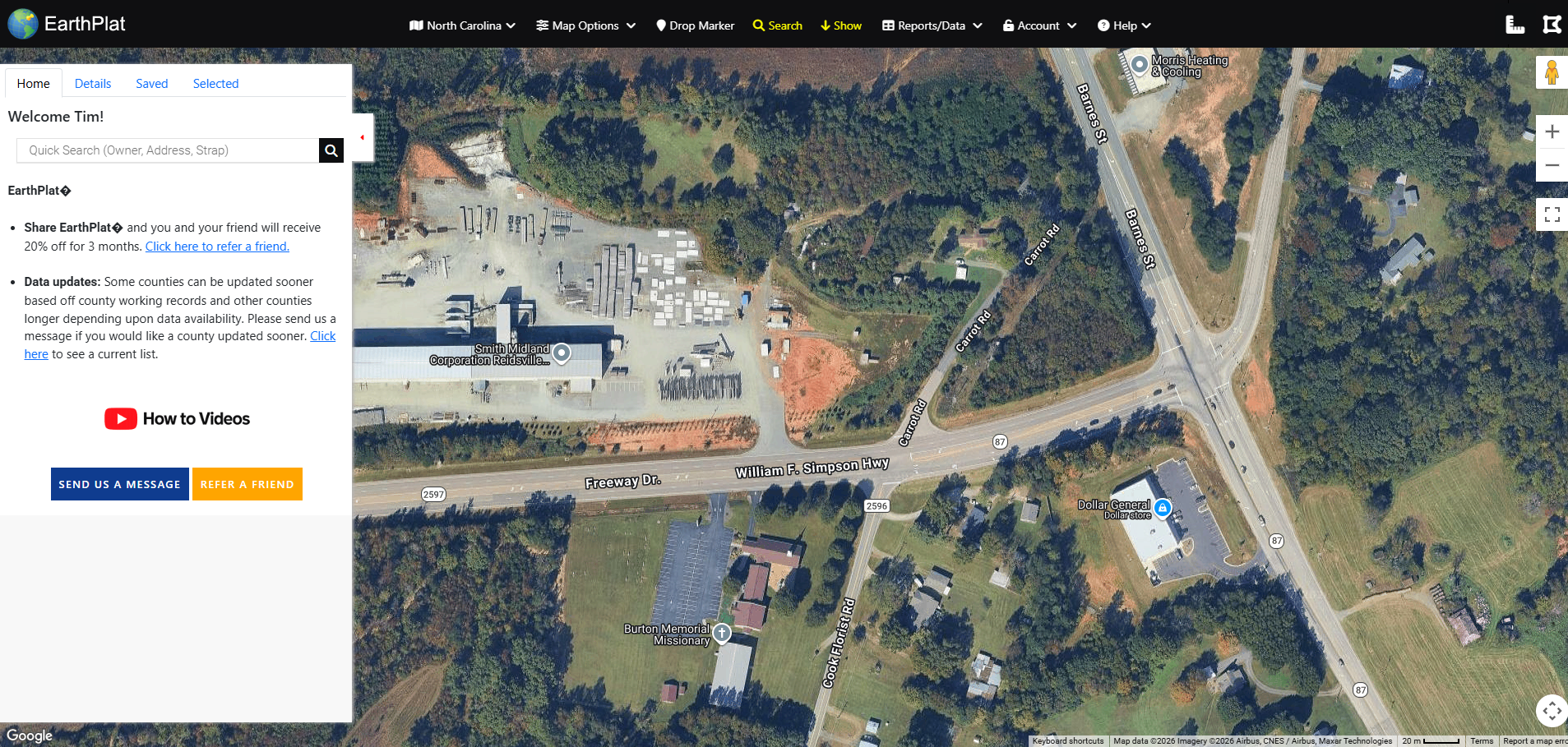
The main app view with the left pane, map, quick search, and top navigation.