Selected Parcels And Exports
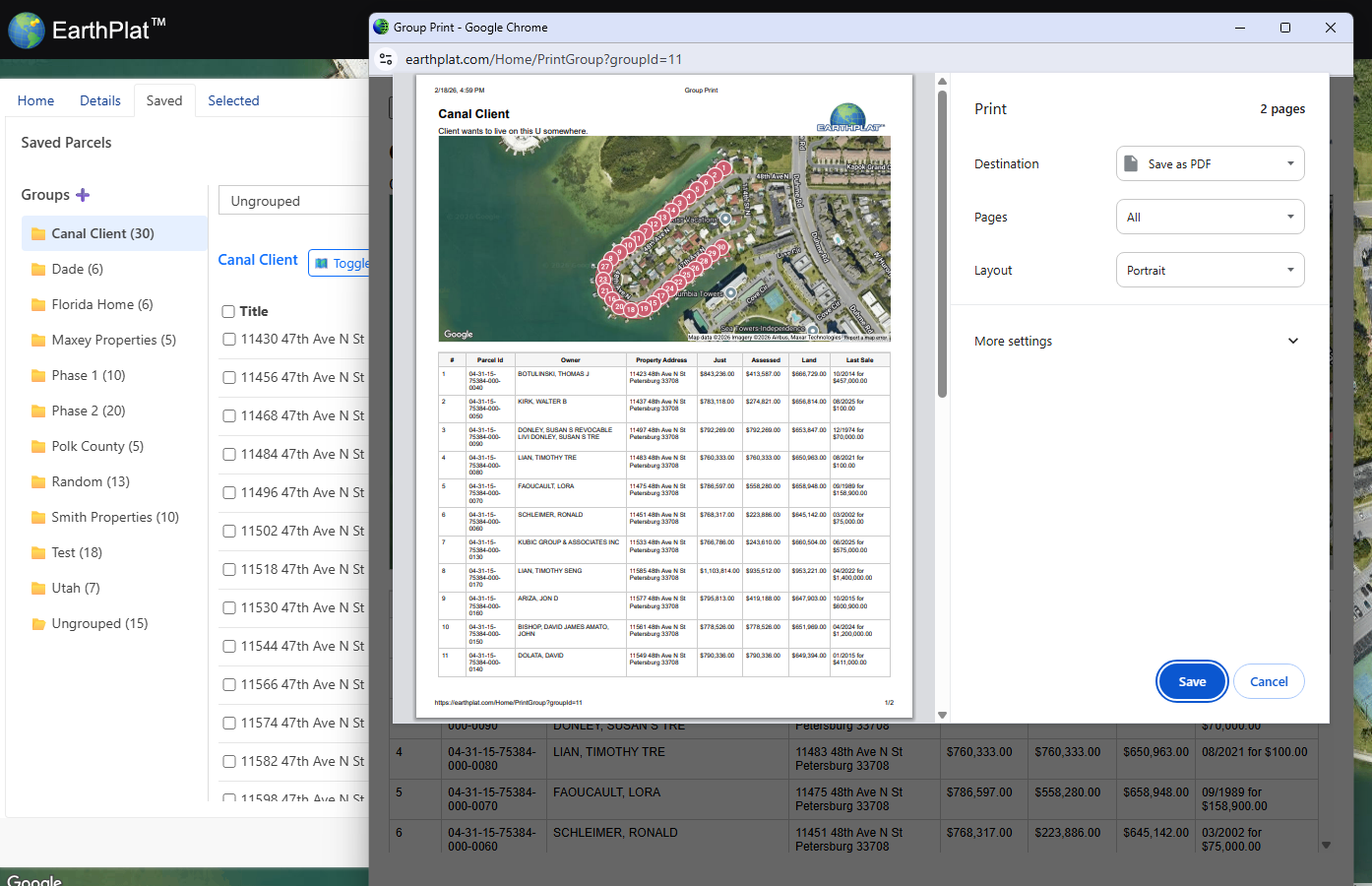
The Selected tab collects parcels you have checked from details or the grid. Use it when you want to export only specific parcels instead of every result.
- Select parcels from the grid or parcel details.
- Open the Selected tab.
- Choose an export option.
- Click Export.