Search In Shape
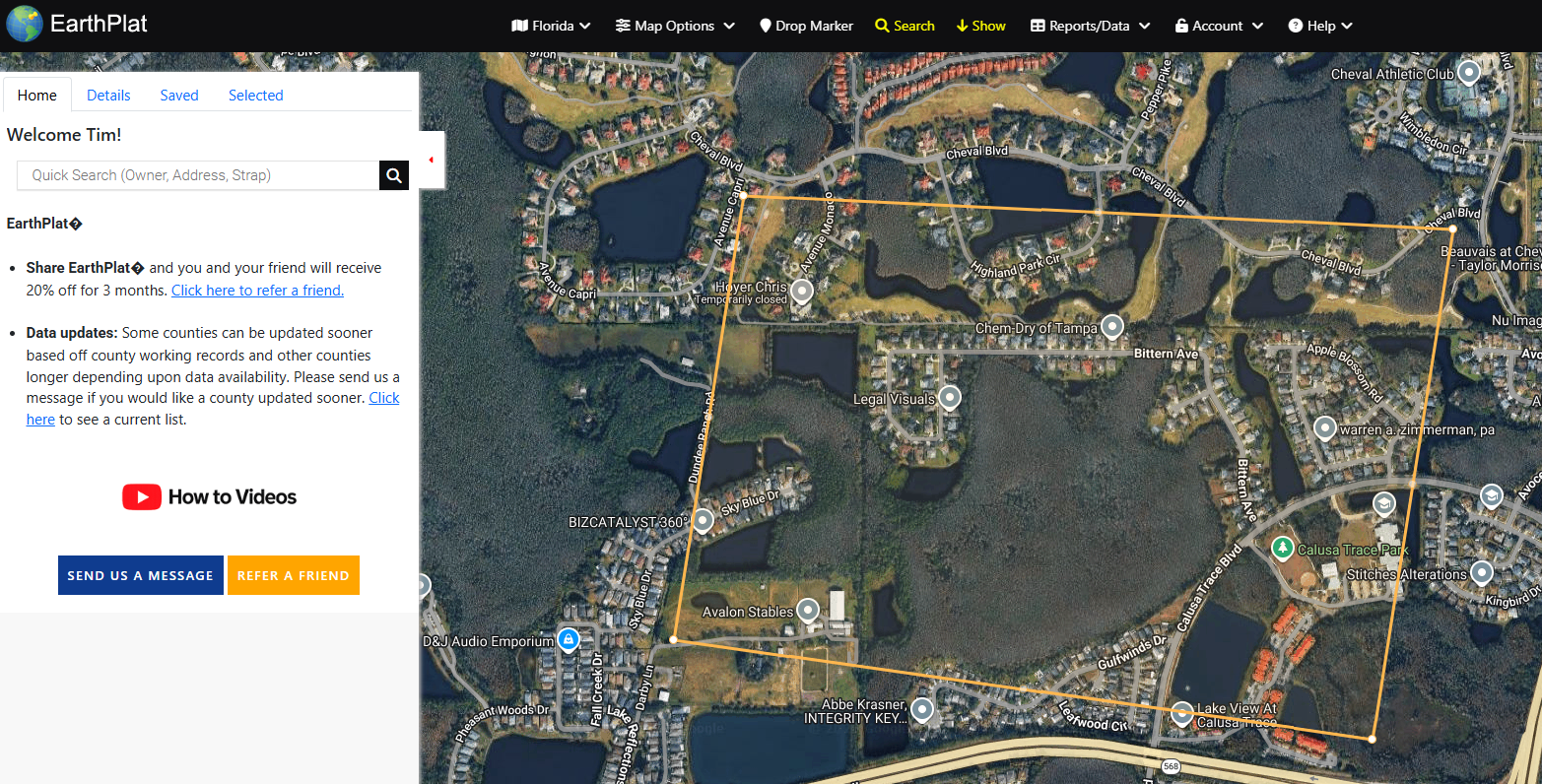
Search In Shape limits results to a drawn area. Draw a polygon around the neighborhood, road corridor, or property area you want to search, then run Advanced Search with the shape included.
- Open Search and choose Search in Shape.
- Draw the shape on the map.
- Add any other filters, such as owner name, county, sale date, acreage, or use code.
- Click Search.
- Use Clear Map or the shape clear option to remove the shape when finished.
Shape search works best when the map is already focused on the area you care about. Smaller shapes generally return faster and cleaner results.